

Streamline Design with
Components
Accelerate your workflow with highly adaptable, accessible and consistent components build for modern design system







Elevate Your Creative Workflow

Endless customization option
Stop starting from scratch and drag-and-drop complex, nested components directly into your workspace.

Make a landing and mobile app


Design your dream website in minutes, not weeks.
Brand it. Build it. Go live—fully responsive, zero hassle.
Instantly update your project's look with fresh color palettes and rapid, seamless branding customization options.

Brows
Explore All Components,
or All Inspiration

Copy
Copy from 100+ designs
(50 more coming soon)

Paste
Paste into your project.
Works best on app virions
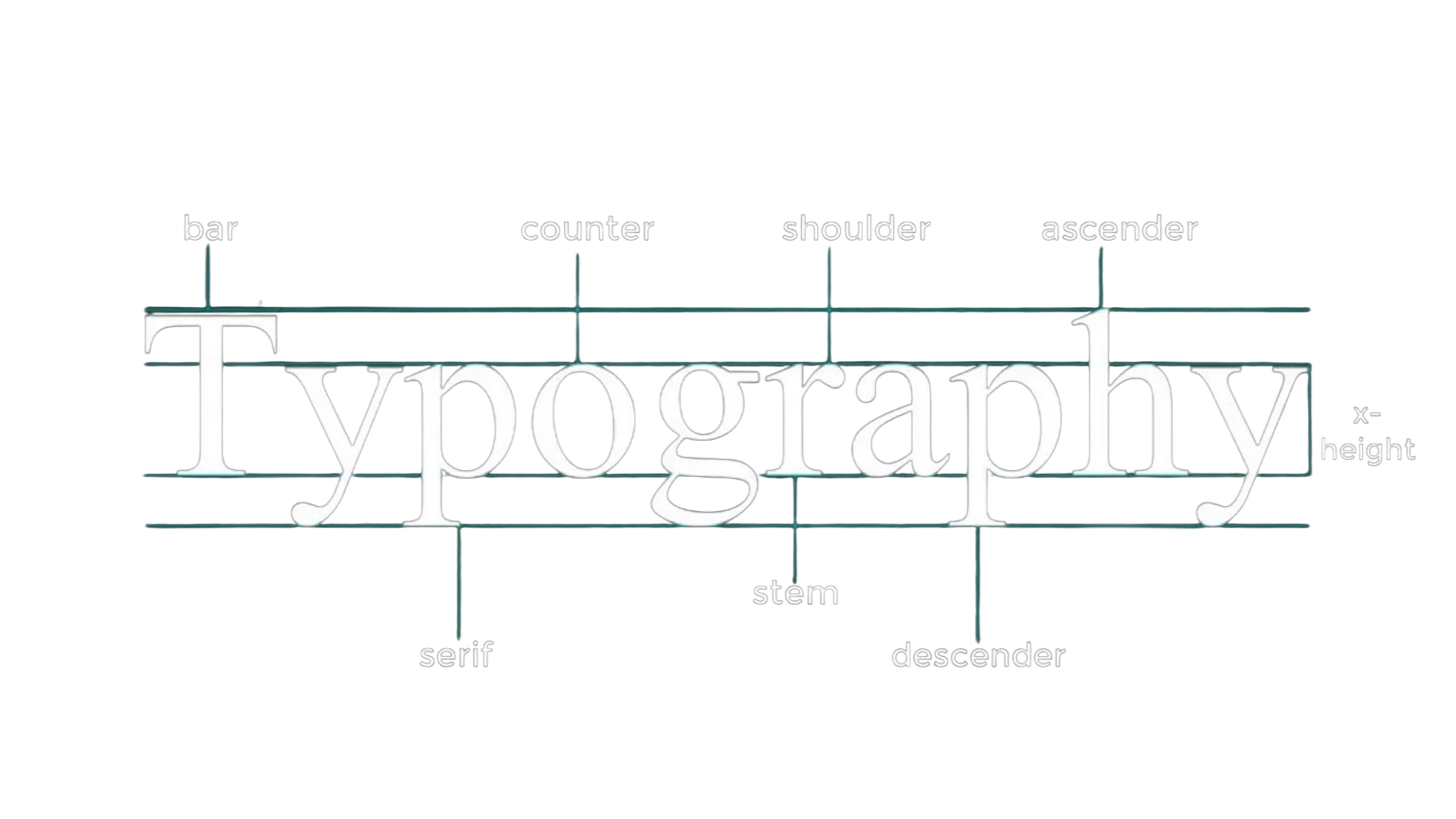
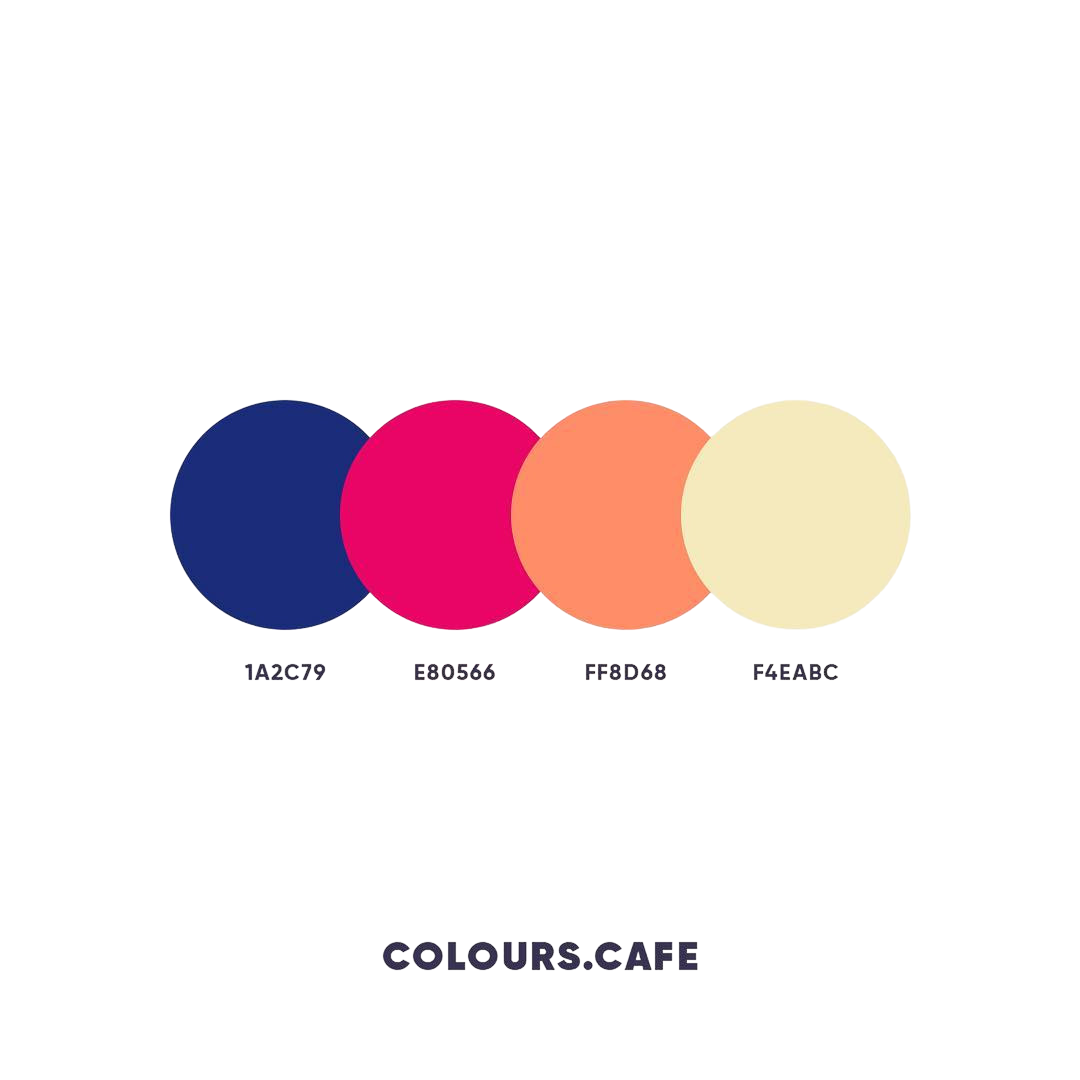
Instantly update your project's look with fresh color palettes and rapid, seamless branding customization options.
Global Color Variables
Apply new primary, secondary, and accent colors across your entire library in seconds using meticulously mapped Figma variables.
Dynamic Typography Scales
Instantly adjust headings, body text, and line heights across hundreds of screens by tweaking a single master text style.
Seamless Light & Dark Modes
Switch effortlessly between color themes with pre-configured color tokens that automatically invert and adapt your UI.
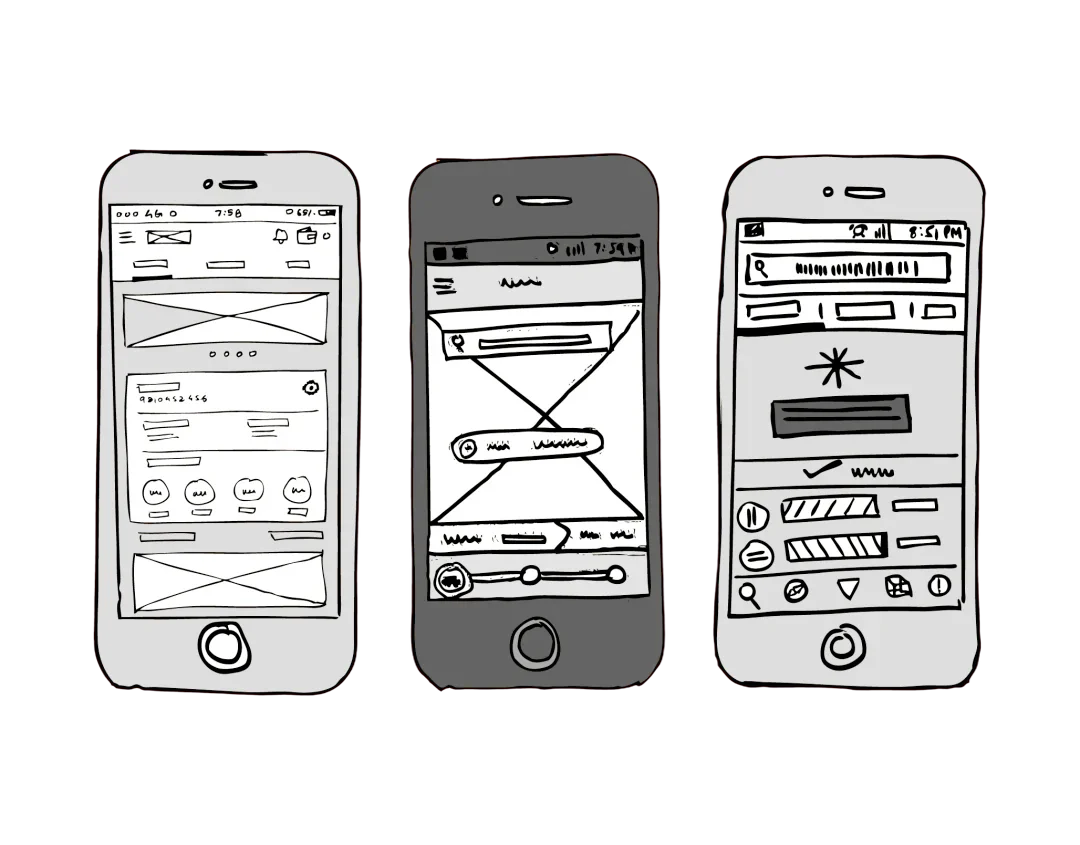
Pick from a curated library of section-based wireframes to quickly map out the structure that fits your project best.
Modular Section Blocks
Mix and match pre-built hero banners, feature grids, and footers to construct comprehensive page layouts in minutes.
Diverse Layout Categories
Access specialized, industry-standard wireframe templates tailored for landing pages, SaaS dashboards, and e-commerce platforms.
Auto-Layout Enabled Foundations
Ensure your structural frameworks are fully responsive from the start with built-in Figma Auto-Layout properties.
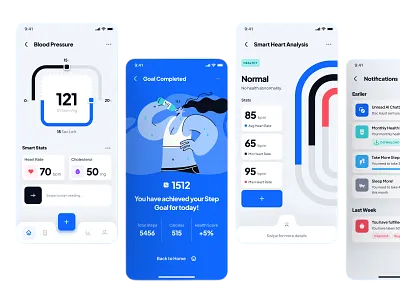
Transform simple wireframes into polished UI designs by toggling diverse sections and exploring multiple themes.
One-Click Component Swapping
Instantly replace grayscale wireframe blocks with fully styled, high-fidelity UI components without rebuilding page layouts.
Flexible Section Variants
Switch between alternate card layouts, hero variations, and navigation styles directly from the Figma properties panel.
Preserved Auto-Layout Logic
Retain all structural alignment, responsive padding, and spacing rules automatically as you transition from low-fi to high-fi.
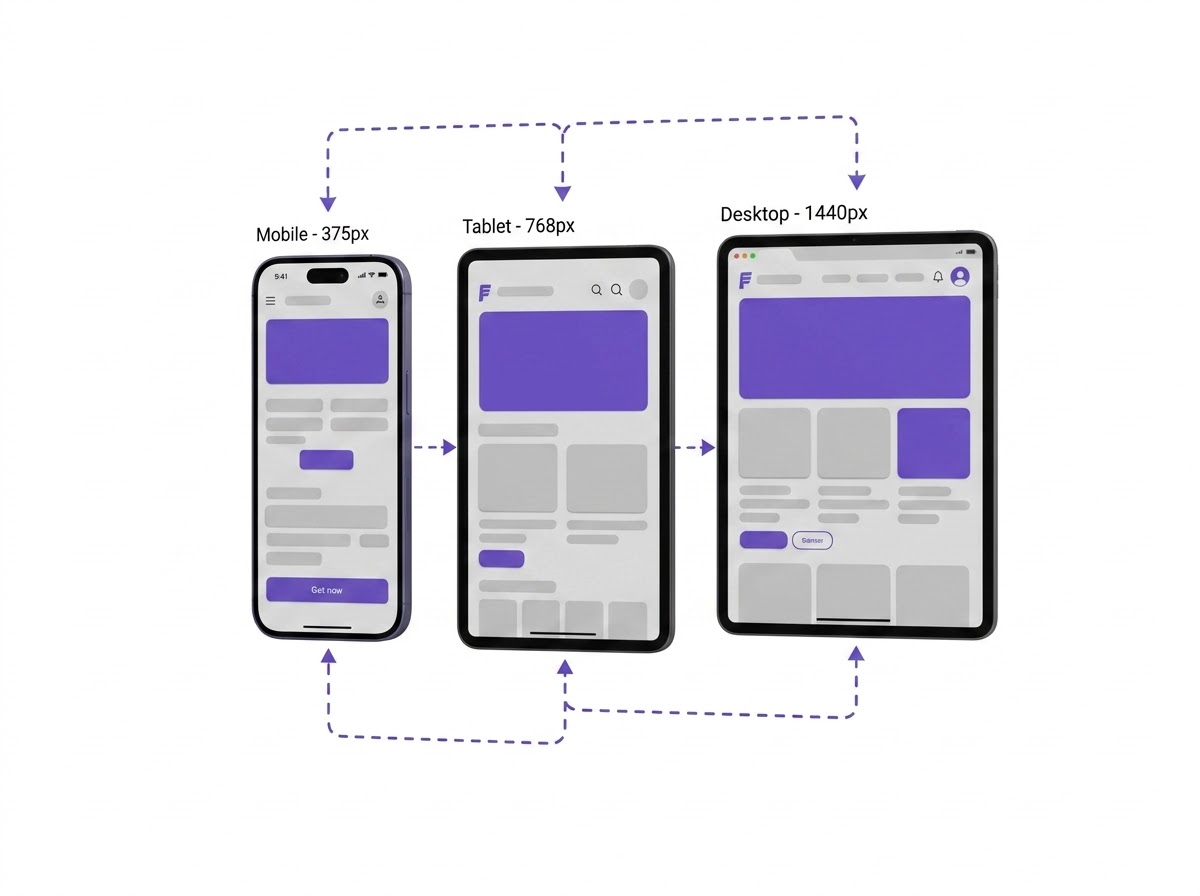
Every component and screen auto-adjusts seamlessly across mobile, tablet, desktop, and ultra-wide displays.
Fluid Grid Alignment
Pre-configured auto-layout constraints ensure components stretch, wrap, and compress gracefully without layout breaks.
Multi-Device Breakpoint Fidelity
Preview live interactions across portrait and landscape viewports with zero manual refactoring required.
Production-Ready Clean Code
Export fully responsive React and Tailwind code with semantic markup, ready to drop straight into your app.
 Testimonial
Trusted by teams
who move fast
From solo designers to growing product teams people
use to stay clear, focused, and in sync.
“I’m not a ‘tools person’, but Ryzo made it easy. I was up and running in 5 minutes. No tutorials. Just straight to doing.”

“Using Zyro feels like working inside a sketchbook. Clean, calm, responsive. It's a workspace that breathes with you.”
“What I like most about Ryzo is that it doesn't try to be everything. Honestly, we’ve never shipped this consistently before.”
“I’m not a ‘tools person’, but Ryzo made it easy. I was up and running in 5 minutes. No tutorials. Just straight to doing.”
“Using Zyro feels like working inside a sketchbook. Clean, calm, responsive. It's a workspace that breathes with you.”
“What I like most about Ryzo is that it doesn't try to be everything. Honestly, we’ve never shipped this consistently before.”
“I’m not a ‘tools person’, but Ryzo made it easy. I was up and running in 5 minutes. No tutorials. Just straight to doing.”
“Using Zyro feels like working inside a sketchbook. Clean, calm, responsive. It's a workspace that breathes with you.”
“What I like most about Ryzo is that it doesn't try to be everything. Honestly, we’ve never shipped this consistently before.”
“I’m not a ‘tools person’, but Ryzo made it easy. I was up and running in 5 minutes. No tutorials. Just straight to doing.”
“Using Zyro feels like working inside a sketchbook. Clean, calm, responsive. It's a workspace that breathes with you.”
“What I like most about Ryzo is that it doesn't try to be everything. Honestly, we’ve never shipped this consistently before.”
“The real-time visibility into task states is game-changing. Everyone knows what’s happening without meetings.”
“I’m not a ‘tools person’, but Ryzo made it easy. I was up and running in 5 minutes. No tutorials. Just straight to doing.”
“Ryzo makes our team feel like we’re working in the same room — even when we’re not. It’s simple, visual.”
“The real-time visibility into task states is game-changing. Everyone knows what’s happening without meetings.”
“I’m not a ‘tools person’, but Ryzo made it easy. I was up and running in 5 minutes. No tutorials. Just straight to doing.”
“Ryzo makes our team feel like we’re working in the same room — even when we’re not. It’s simple, visual.”
“The real-time visibility into task states is game-changing. Everyone knows what’s happening without meetings.”
“I’m not a ‘tools person’, but Ryzo made it easy. I was up and running in 5 minutes. No tutorials. Just straight to doing.”
“Ryzo makes our team feel like we’re working in the same room — even when we’re not. It’s simple, visual.”
“The real-time visibility into task states is game-changing. Everyone knows what’s happening without meetings.”
“I’m not a ‘tools person’, but Ryzo made it easy. I was up and running in 5 minutes. No tutorials. Just straight to doing.”
“Ryzo makes our team feel like we’re working in the same room — even when we’re not. It’s simple, visual.”
Everything you
need to know
From pricing to features — here are the answers to common questions about Lanzo.
 Pricing
Plans that grow with you
Start free. Upgrade when you're ready. No hidden fees, no pressure.
Basic Plan
per user / 180 days
Perfect for testing and light creative needs.
What’s Included
 100 components
- Figma variables
- Dark mode variables
- Component properties
- Interactive components
- Auto Layout 5.0
Advance Plan
per user / 180 days
Unlock more power with advanced models and bigger limits.
What’s Included
- 250 components
- Figma variables
- Dark mode variables
- Component properties
- Interactive components
- Auto Layout 5.0
Premium+
per user / 365 days
Everything unlimited. For pros, teams, and power creators.
What’s Included
- Unlimited components
- Figma variables
- Dark mode variables
- Component properties
- Interactive components
- Auto Layout 5.0

 Start
StartPowerful tools for
creators
Accelerate your design workflow with production-ready
Figma Components.

Built with clarity. Designed for flow.
© 2026 uithings. All rights reserved.


